
Did you know that you can easily place a link to an individual blog post from the Scott’s Tech Tips blog into an email message and send it to an agent?
All of the past blog posts are accessible from the Categories list located on the right sidebar of the Tech Tips blog.
If a sales associate has an issue and you know that the answer to their problem has already been documented in a tech tip, simply choose the appropriate category, find the correct tip or tips and select the title of the post. A page should display containing just that individual post.
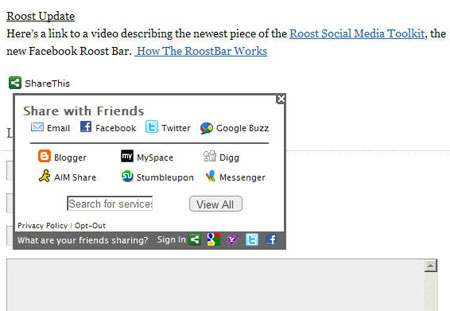
Place your mouse cursor over the Share This link at the bottom of the post and select Email.
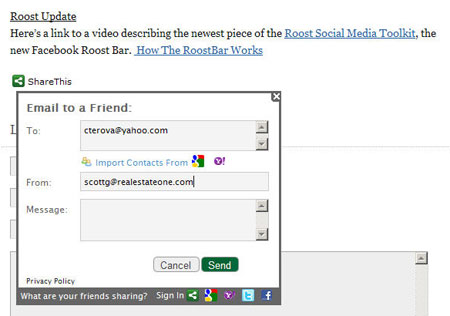
Enter the agent’s email address in the To field and your own email address in the From field and choose Send.
The agent will receive an email message containing a direct link to the blog post and the solution to their issue.